 Open Dict
Open Dict · Help
Make Open Dict your own.
Start with a dictionary, add your preferred AI model, and carry your learning across devices.
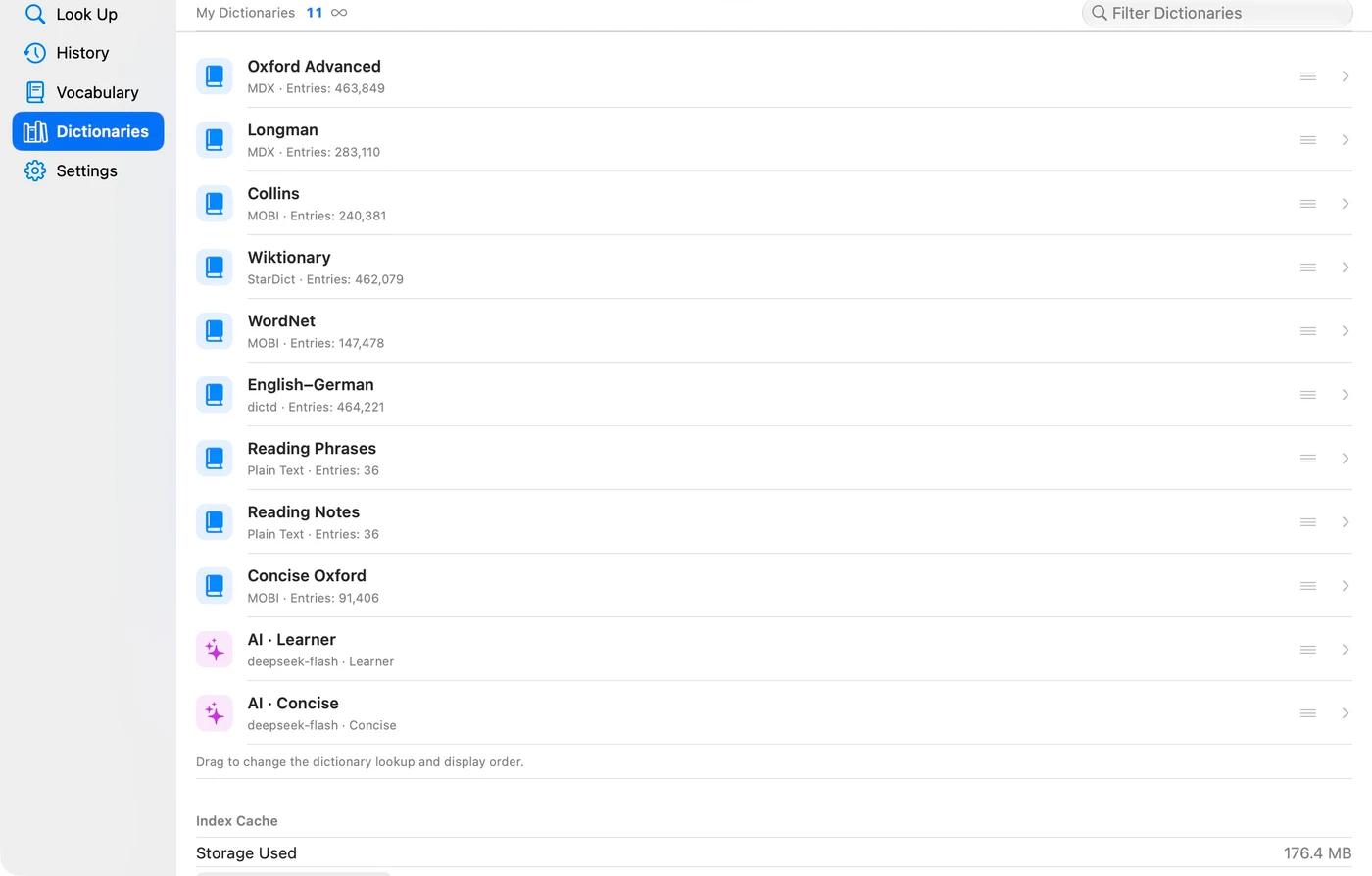
Import your first dictionary
Prepare a dictionary in MDX/MDD, MOBI, StarDict, dictd, TXT or TSV format. Open the dictionary library and import your files. Include the matching MDD resources when your dictionary uses audio or images. Search for a familiar word to explore the entry.
Set up AI explanations
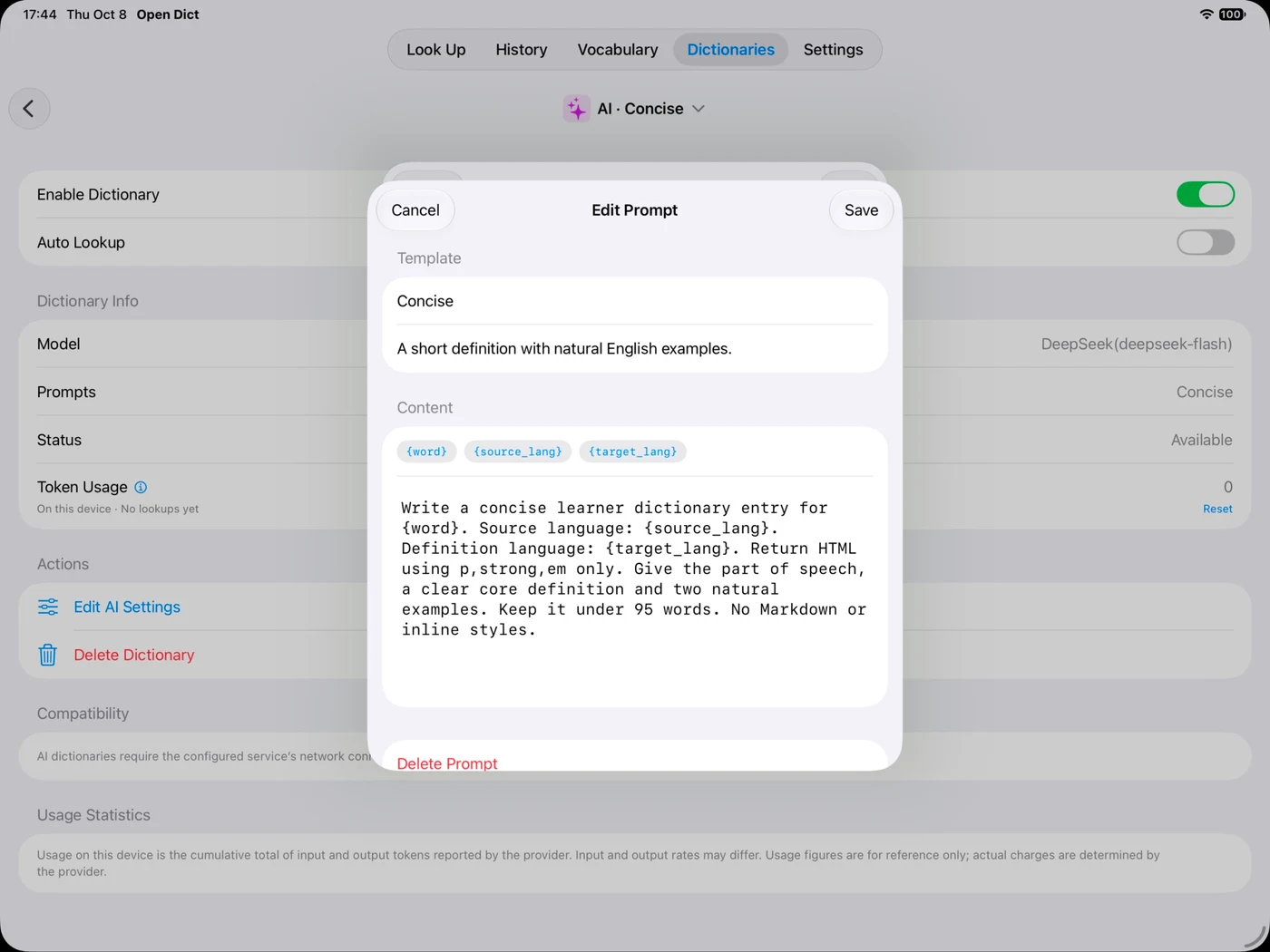
Add your own provider API key in the AI configuration. Choose a model and definition language, then start with a built-in prompt. Edit the prompt for concise meanings, learner explanations, examples or synonym comparisons.
Save words in context
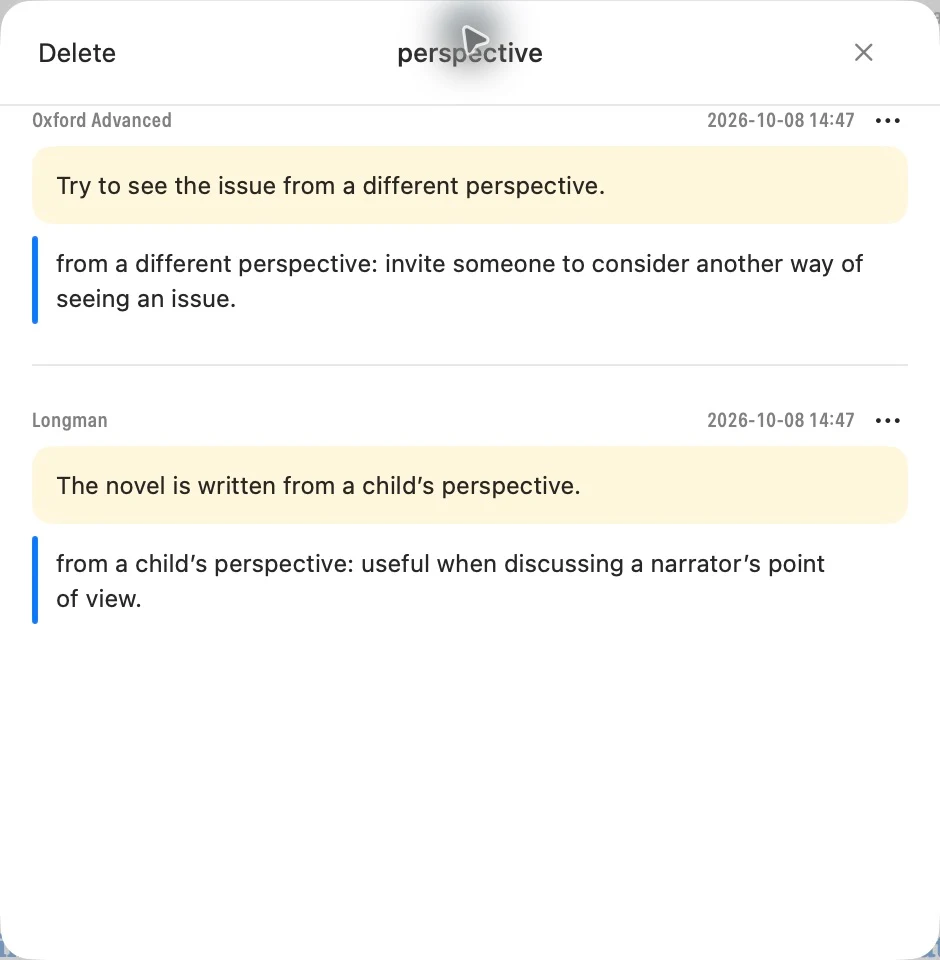
Highlight a useful sentence inside a definition and add a note. Organize words with groups and star ratings. Open a saved note to return to the original entry and review the word in context.
Continue with iCloud
Use the same personal iCloud account on your devices and enable Open Dict’s iCloud sync. Lookup history, word groups, notes and AI configuration can follow you between Mac, iPad and iPhone.
iPhone / iPad · Coming soon
Use your purchase on another device
Use the same Apple Account for App Store purchases. The one-time dictionary unlock is shared across Mac, iPad and iPhone. If it is not shown, use Restore Purchases in the app.
iPhone / iPad · Coming soon
Contact Open Dict
Questions, feedback or a dictionary that does not display correctly? Tell us what happened.
Need a hand? Contact us →