 PDF Tuner
Less margin. More page.
Automatically detect the content area and trim excess white space, making text easier to read on smaller screens.
For your Mac. For your next good read.
Turn papers, books and scans into comfortable reading copies. Less pinching and panning. More time with the words.
macOS 10.15 or later · Free core features · Optional one-time Pro upgrade
A small adjustment. A much better read.
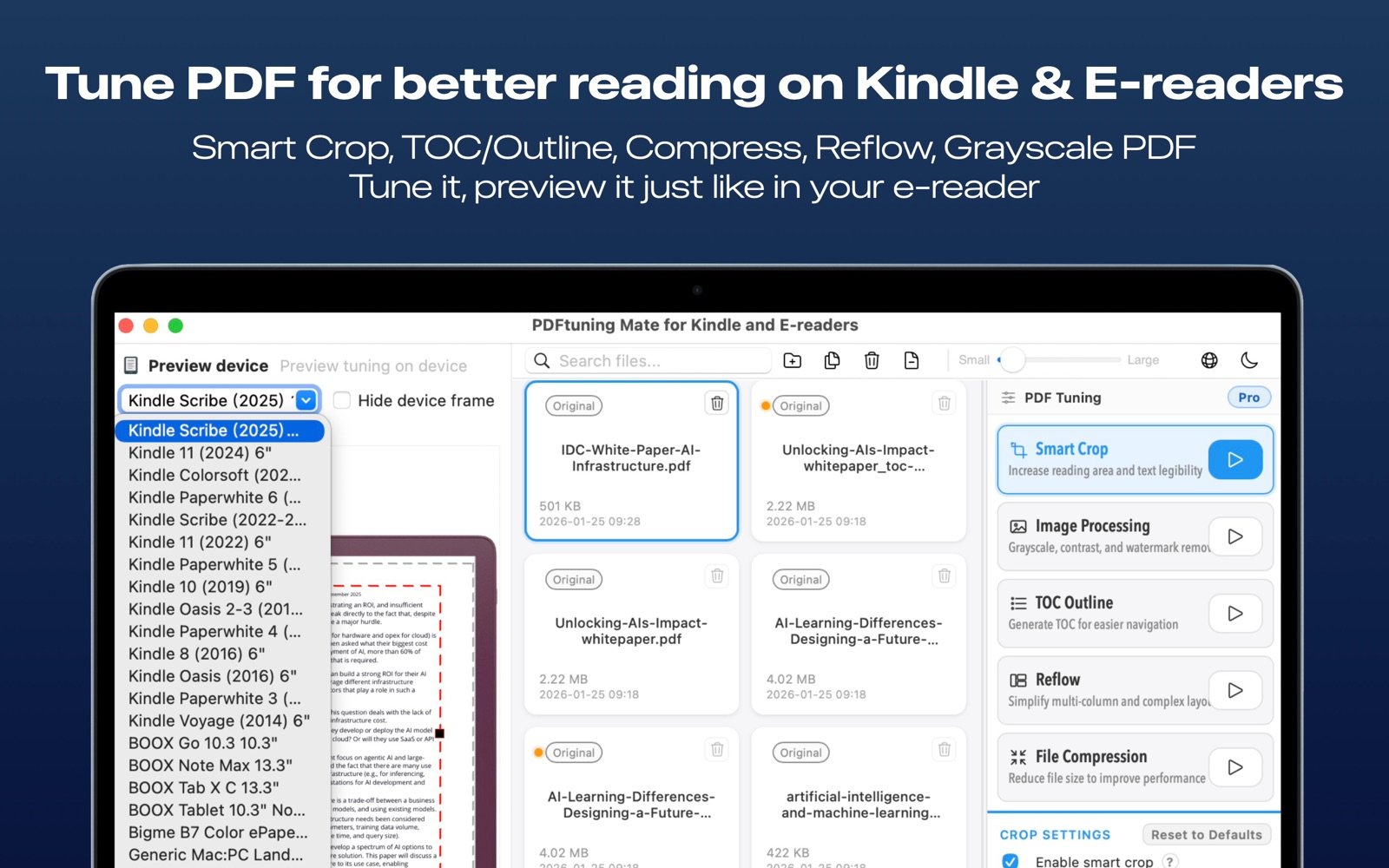
Desktop-sized documents don’t always belong on a small screen. Choose just the tools your PDF needs.
Automatically detect the content area and trim excess white space, making text easier to read on smaller screens.
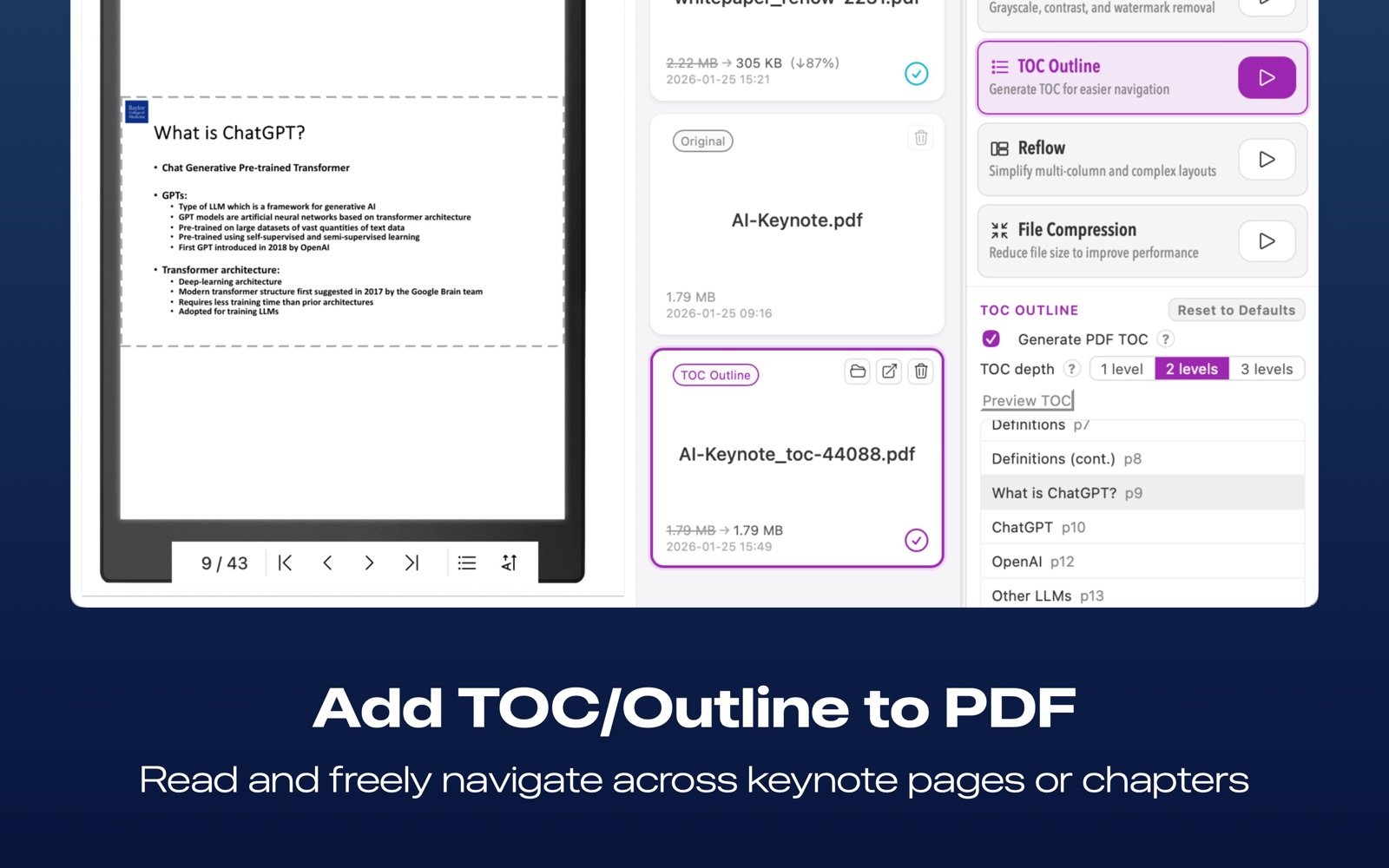
Create clickable bookmarks from recognizable headings in text-based PDFs, with multilingual heading detection.
Turn supported multi-column text PDFs into a single-column reading layout. Results depend on document structure; scanned PDFs have limited support.
From desktop PDF to reading copy
Start with a built-in preset, choose your reading device, and compare the original with crop or image-processing previews. Run the optimization, then inspect and export your finished PDF.
Find your first workflow →Local by design
Analysis, previews and optimization happen locally. PDF Tuner never uploads your documents to a server, and saves optimized results as separate copies.
Read our privacy policy →What’s new · 2.3.0
Improved image processing, more flexible compression, easier preview comparisons and better table of contents detection.
Read the release notes →Ready when you are